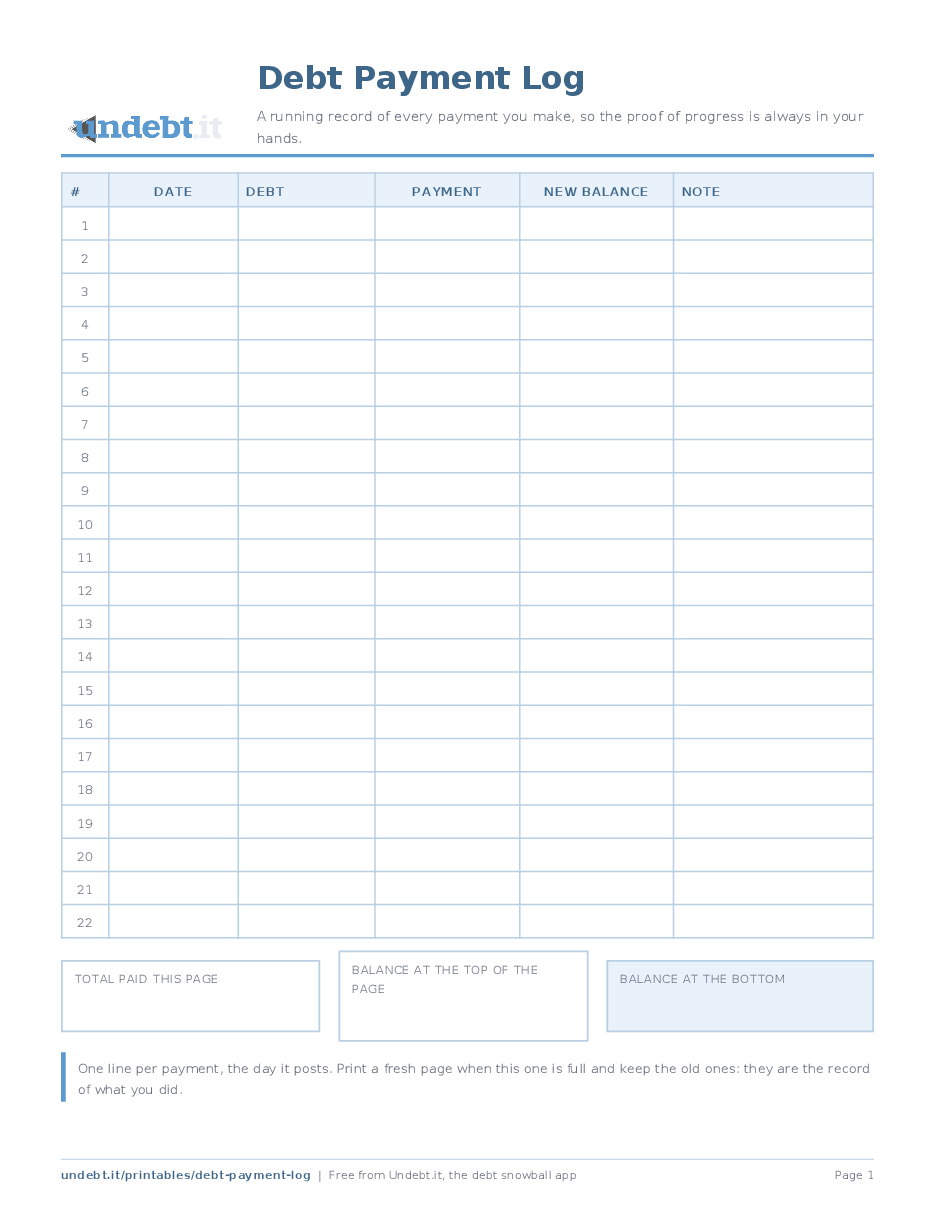
A running record of every payment you make, so the proof of progress is always in your hands.
A payment log is the boring one, and it is the one people are gladdest they kept. One line per payment: the date, which debt, how much, the new balance and a note. Twenty-two lines a page, with boxes at the bottom for the total paid on the page and the balances at the top and bottom of it.
Two things happen when you keep one. You catch mistakes, because a payment that did not lower the balance by what it should have is obvious on paper. And you build a record of effort, which matters on the months when the balances do not seem to move: a full page of payments is proof that they did.
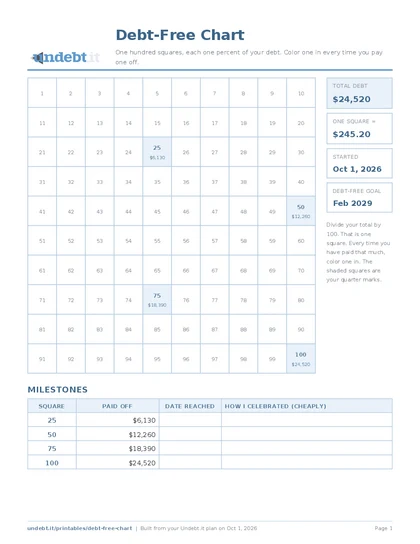
The log pairs with the debt-free chart and the thermometer, which need a running total of payments to color from. It is also the paper version of what Undebt.it records automatically when you mark a payment made or let it import them from your bank.
Download the free PDF
Free, no signup, no email address. Pick your paper size; every version is one page and prints on any home printer.
The ink saver version is the same sheet in black and gray for cheap printing. Print at 100 percent, not "fit to page", so the rows stay a comfortable height for handwriting.
Rather have the numbers filled in for you? Undebt.it members can open Printables in the member menu and get this sheet built from their own plan. A free Undebt.it account is all it takes.
What it looks like filled in
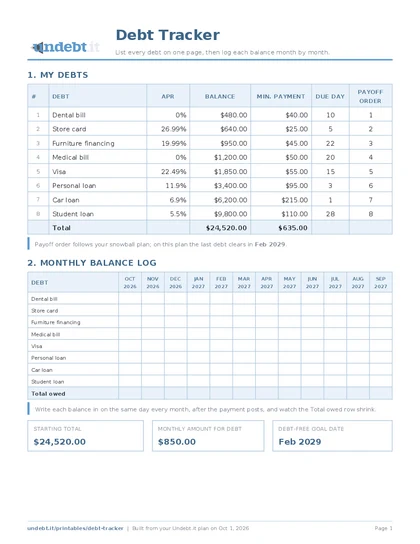
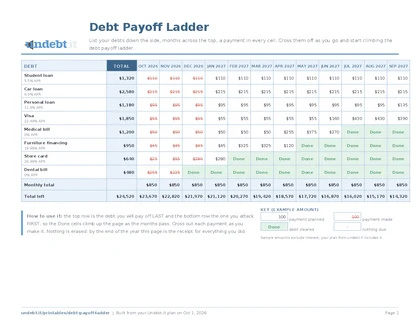
The same sheet completed with a sample plan: eight made-up debts totalling $24,520, paid down at $850 a month in snowball order. Demo numbers, just enough to show how the page is meant to be used.
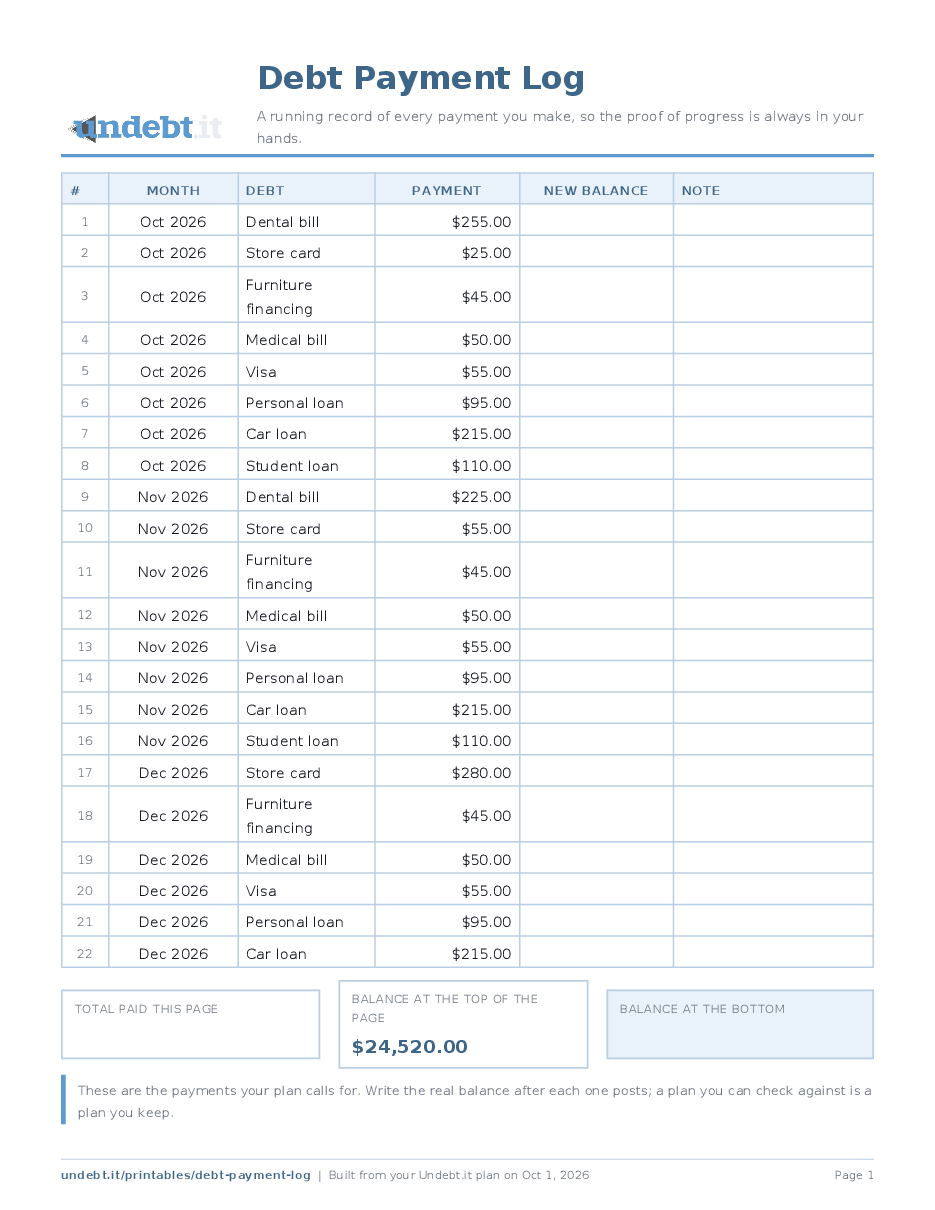
Open the filled-in example as a PDF. The download buttons above give you the blank sheet.
How to use it
- Write the balance you are starting from in the "balance at the top of the page" box.
- One line per payment, the day it posts: date, debt, amount, and the balance the statement or app now shows.
- Use the note column for anything unusual: an extra payment, a windfall, a fee, a payment that went to the wrong account.
- When the page is full, total the payment column and write the closing balance. Start a new page and keep the old one.
Tips that make it stick
- Log from the confirmation screen or the statement, not from memory.The number that matters is the one the lender recorded.
- Keep the finished pages in a folder in date order.A year of them is the most convincing chart you will ever own.
- If you pay several debts on the same day, one line each.The point is the trail, not the brevity.