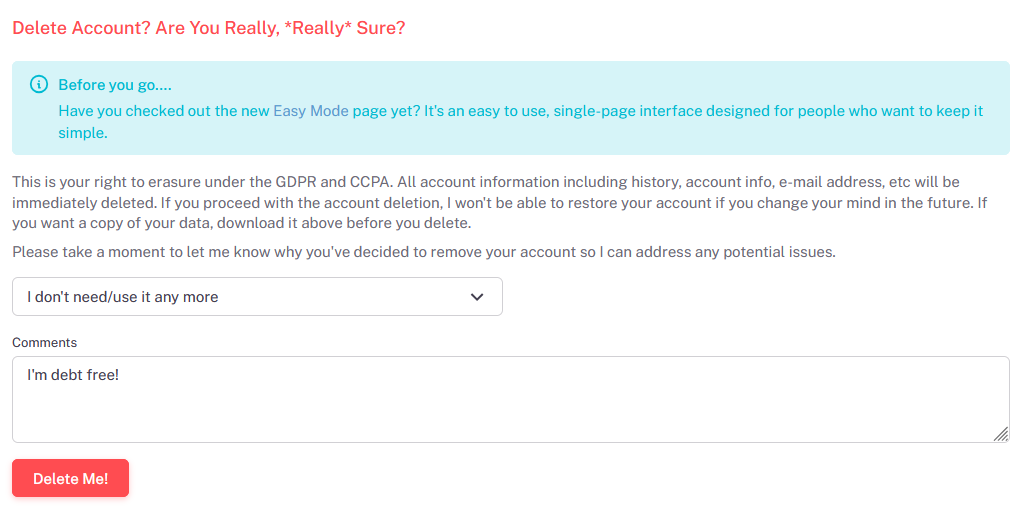
Deleting and resetting accounts can be done on the My Account page. You'll see a separate section for each. Deleting your account clears all of your information, while resetting your account just deletes the transactions and history. Proceed with caution since the actions below are immediate and permanent.
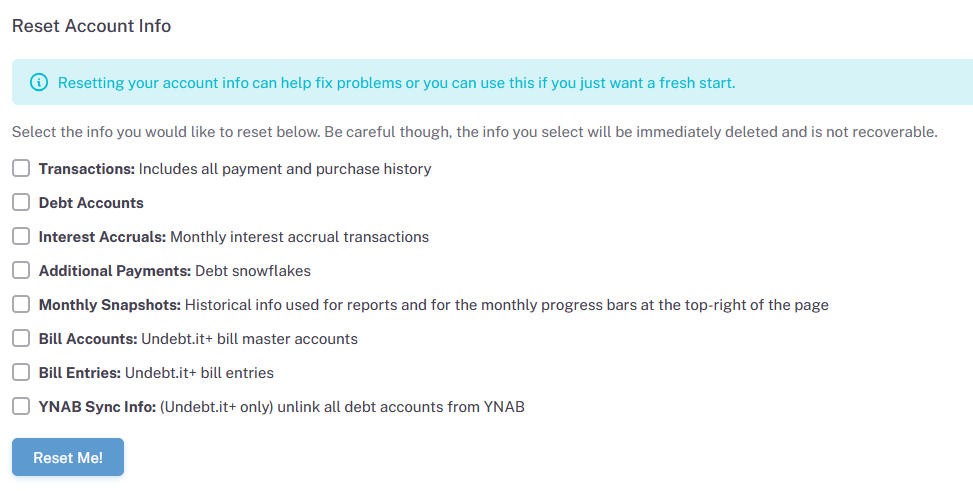
Resetting Your Account
Resetting your account allows you to choose which types of data you want to get rid of. You can choose one or more areas you want to clear out. For example, if you want to start over, but not have to enter your debt account information, choose the Transactions option. This will get rid of all of the payment and purchase transaction history
Deleting Your Account
If you decide you don't want to use the program anymore or if you want a totally complete refresh, then deleting your account is the way to go. Hopefully, you are debt free and no longer need the app.
Keep in mind that the account deletion is GDPR compliant. The deletion is immediate and permanent so please be careful. Speaking of GDPR, as of September 2026, you can download a copy of the information stored on the website.